Easing
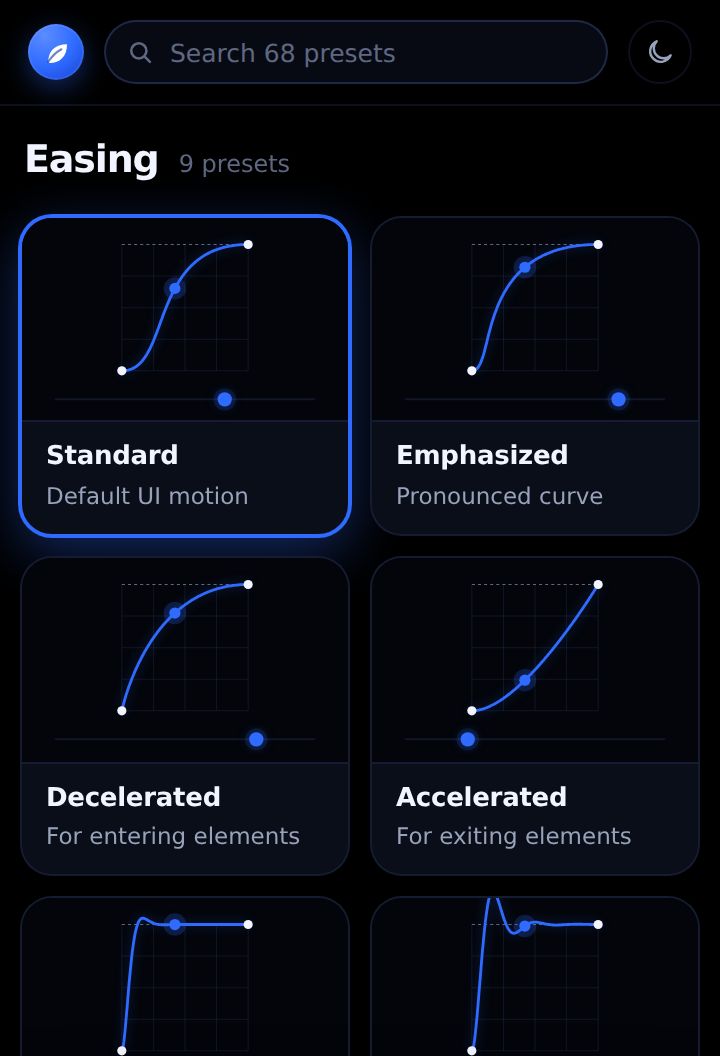
9 presetsNative temporal ease on selected keys, selected properties or every animated property. Springs and overshoot on Position become an expression.
StandardEmphasizedDeceleratedAcceleratedSpring · SoftSpring · BouncySnapAnticipateBouncy
Orchard is an After Effects panel of easings, text animations, transitions, glass, styles, shakes and expressions. Every preset plays a live preview from the exact keyframes it will write into your comp.
For After Effects 2019 and newer · price and launch date announced soon
This isn't a mock-up — it's Orchard itself, running in your browser. Browse all 68 presets, hover to play them, drag the easing handles. Only Apply needs After Effects.
Open this page on a computer to try the live panel.
Tip: click inside the panel, then use ← → for categories, ↑ ↓ for presets and Space to play.
No "and more". Here's every preset, and exactly what each category writes into your project.
Native temporal ease on selected keys, selected properties or every animated property. Springs and overshoot on Position become an expression.
Real text animators. Eased cascades use the Range Selector; springs are timed from a layer marker you can drag or stretch to retime.
Keyframes on the layer's own Scale, Position, Rotation and Opacity, plus blur or an iris mask where needed. Stagger follows the order you pick.
Liquid Glass builds a refractive card from native effects driven by a controls null. Glass Object turns any layer into frosted glass.
Native effects only — Drop Shadow, Bevel Alpha, Gradient Ramp, CC Light Sweep, Glow, Gaussian Blur — or native strokes.
Keyframes on a Transform effect, so they stack on top of your own animation and come off by deleting one effect.
Written onto the selected property, or the preset's usual one. Copy expression puts the code on your clipboard.
The bar at the bottom always says what Apply will act on — "1 text layer · from the playhead", "2 keyframes", or "Select a text layer". No guessing, and every Apply is a single undo step.